
kit-pillar
Aligning Pillar UI Library with PROS Design System KIT
Design System
Design Tokens
TypeScript
React
UI Library
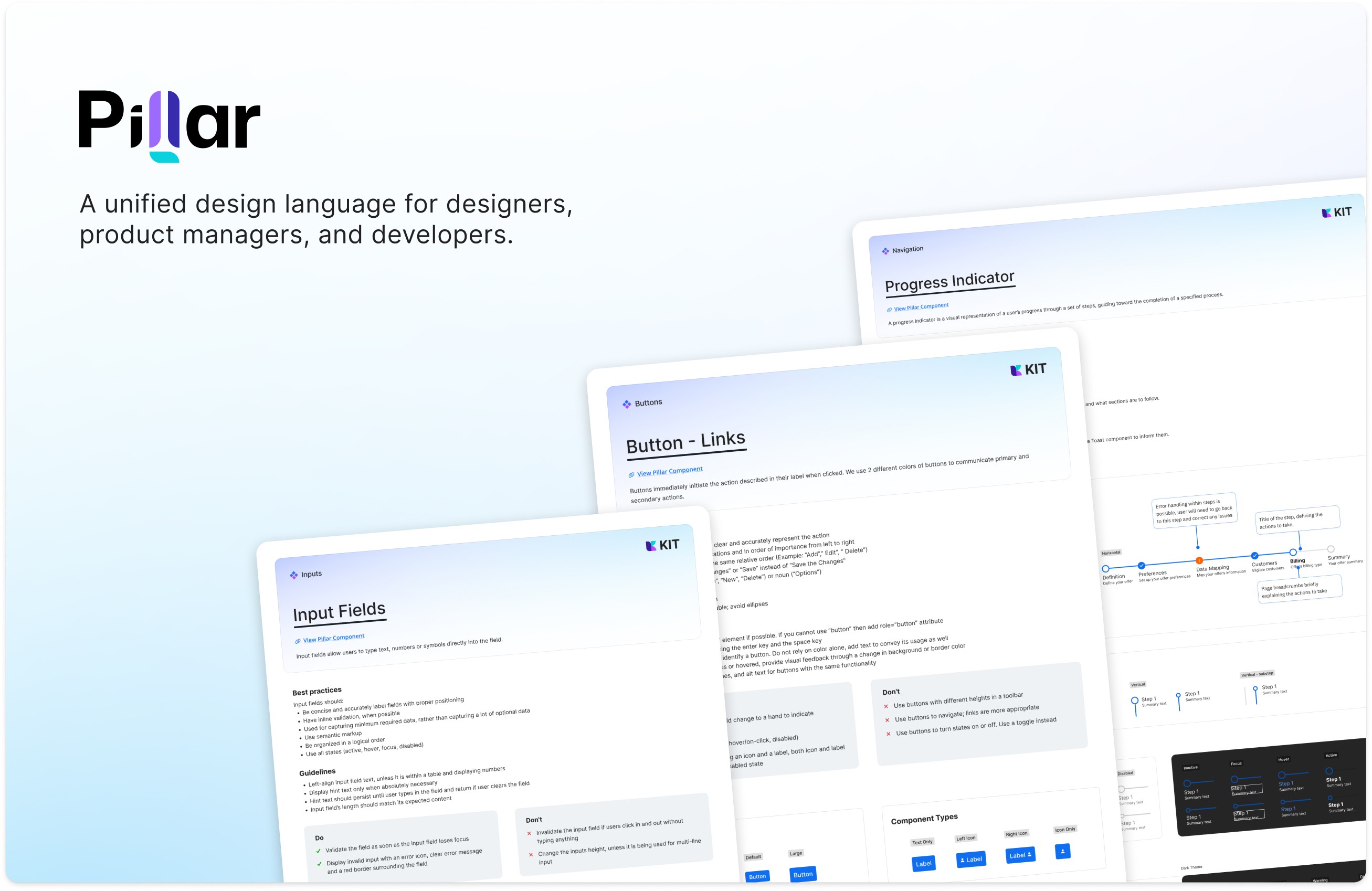
Transformed a legacy component library serving 10+ products into a modern, token-based design system that bridges the gap between design (Figma) and development (React/SCSS). The project unified fragmented components under a single design language while maintaining backward compatibility across multiple product teams.
Dec 16, 2025
Role
Duration
Team
Tech
The Problem
PROS had two separate systems operating in parallel:
KIT (Figma) - A modern design system with 9+ theme modes, comprehensive component library, and token-based architecture built in Figma
Pillar (Code) - A legacy React/SCSS component library powering 10+ products, built before modern design token practices existed
The disconnect created:
Design-to-code misalignment forcing manual translation
Inconsistent implementation across products
Slow onboarding for new engineers (developers had to learn both systems)
Theme changes required code updates across multiple repositories
Design intent lost in translation between Figma and production
The core challenge: How do you modernize a production component library used by dozens of teams without breaking existing products?
My Approach
1. Establish Design-Code Parity
Rather than rebuild Pillar from scratch (too risky), I chose progressive enhancement:
Audit existing Pillar components against KIT specifications
Map Figma Variables to SCSS custom properties
Create a token transformation pipeline
2. Token-First Architecture
Implemented a systematic approach to design tokens:
Primitive tokens (colors, spacing, typography) defined once
Semantic tokens (surface, border, text) referencing primitives
Component tokens specific to each UI element
All tokens synced between Figma Variables and SCSS variables
3. Incremental Migration Strategy
Prioritized high-impact components (buttons, inputs, cards)
Created migration guides for each component
Maintained backward compatibility with feature flags
Scheduled deprecation of old patterns over 12-month window
4. Developer Experience Focus
Built Storybook documentation showing Figma-to-code mapping
Created CLI tools for generating components from tokens
Automated token export from Figma to code repository
Established clear contribution guidelines
The solution
Token Architecture
Built a three-tier token system that flows from Figma to production:
Component Structure
Every Pillar component now follows a consistent pattern:
Props API matches Figma component properties
Styling driven entirely by design tokens
TypeScript interfaces ensure type safety
Storybook stories document all variants and states
Figma Library Organization
Restructured KIT into a scalable system:
9+ theme modes for multi-brand support
Component variants matching code implementation exactly
Variables & Modes for dynamic theming
Auto Layout following Flexbox principles for accurate handoff
Automation & Tooling
Created custom tooling to maintain alignment:
Figma plugin to validate component structure
CI/CD pipeline that flags design-code drift
Automated token sync via GitHub Actions
Visual regression testing with Percy
Technical Implementation
Architecture Decisions
Why SCSS over CSS-in-JS:
Legacy product constraints required CSS compatibility
Design tokens work equally well with CSS variables
Better performance for large-scale applications
Easier migration path for existing products
Why Figma Variables over Plugins:
Native Figma feature with better performance
Easier for designers to maintain
Built-in mode switching for themes
Direct export to design tokens format
Component API Design: Followed these principles:
Props mirror Figma properties (variant, size, state)
Composable architecture (base component + variants)
Accessibility built-in (ARIA labels, keyboard navigation)
TypeScript for design-time validation
Integration Flow
Designer updates KIT in Figma
Figma Variables export to JSON via plugin
GitHub Action transforms tokens to SCSS variables
Pillar components consume tokens automatically
Visual regression tests validate design-code alignment
Release to npm for product teams to consume
Impact & Results
Quantitative Impact
95% design-to-code alignment
Automated validation catches drift before merge
Props API matches Figma properties exactly
Visual regression tests ensure pixel-perfect implementation
60% faster onboarding
New engineers productive in days, not weeks
Single source of truth reduces learning curve
Documentation shows Figma-to-code mapping clearly
40-60% faster development velocity
Teams ship features without custom UI work
Multi-brand theming via token swap, not code changes
Reduced design-dev back-and-forth iterations
10+ products unified
Consistent experience across PROS product suite
Shared component library reduces maintenance burden
Faster feature parity across platforms
Qualitative Impact
For designers:
Confidence that Figma designs will be implemented accurately
Ability to prototype multi-brand experiences rapidly
Direct control over design tokens affecting production
For engineers:
Clear component API reduces guesswork
Token-driven styling eliminates magic numbers
Storybook documentation shows every variant and state
For product teams:
Faster time-to-market for new features
Consistent UX reduces user support tickets
Easy brand customization for white-label products
Key Learnings
What Worked
Progressive enhancement over rebuild Keeping Pillar operational while modernizing prevented disruption. Feature flags allowed gradual migration.
Token discipline pays dividends Strict three-tier token architecture (primitive → semantic → component) made theming trivial and prevented token sprawl.
Automation is essential Manual token syncing would have failed. GitHub Actions maintaining design-code parity was non-negotiable.
Developer experience drives adoption Storybook documentation, TypeScript types, and clear examples made engineers want to use the system.
What I'd Do Differently
Start with component API contracts earlier Defining props API before implementation would have prevented later refactoring.
Invest in visual testing sooner Visual regression testing caught misalignment we'd missed in code review. Should have implemented from day one.
More designer-developer pairing The best components came from designers and engineers working together on implementation, not sequential handoff.
Ongoing Challenges
Balancing flexibility vs. consistency Product teams want customization; design systems need constraints. Finding the right balance is continuous work.
Keeping pace with Figma evolution Figma ships features faster than we can adopt them. Variables & Modes were game-changers but required significant refactoring.
Measuring success beyond metrics While we track alignment and velocity, the real impact—happier teams, better products—is harder to quantify.
Key Takeaway
This case study demonstrates design systems leadership, token architecture, and the bridge between Figma and production React. For technical deep-dives on specific aspects, see my article about how we use MCP server to improve our development and design process